
Wordpress Plugins
Smart Image Compare Code Snippet for WordPress

Published on
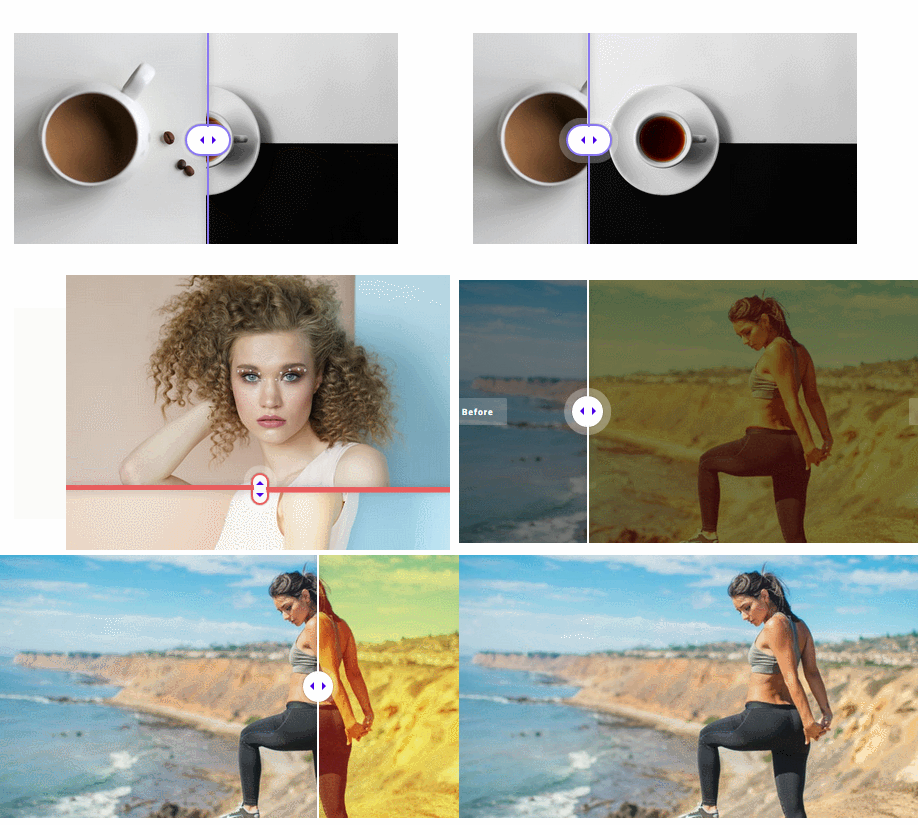
Plenty of popular websites use before and after sliders to make their website look more interactive. You can always install a third party plugin or write a simple function to handle it for you. This function can handle that for you. It adds a slider to your website that is touch friendly. Your visitors can drag it to see before and after images. This plugin works without external libraries.
📌 MemberPress: advanced WordPress plugin for subscriptions & membership sites


This is not the final element. You will still need a shortcode that accepts two images (before and after).